
Reports
The report guidelines are a simple, structured tool for creating documents within Cegid products.

- Overview
- Guidelines
Template
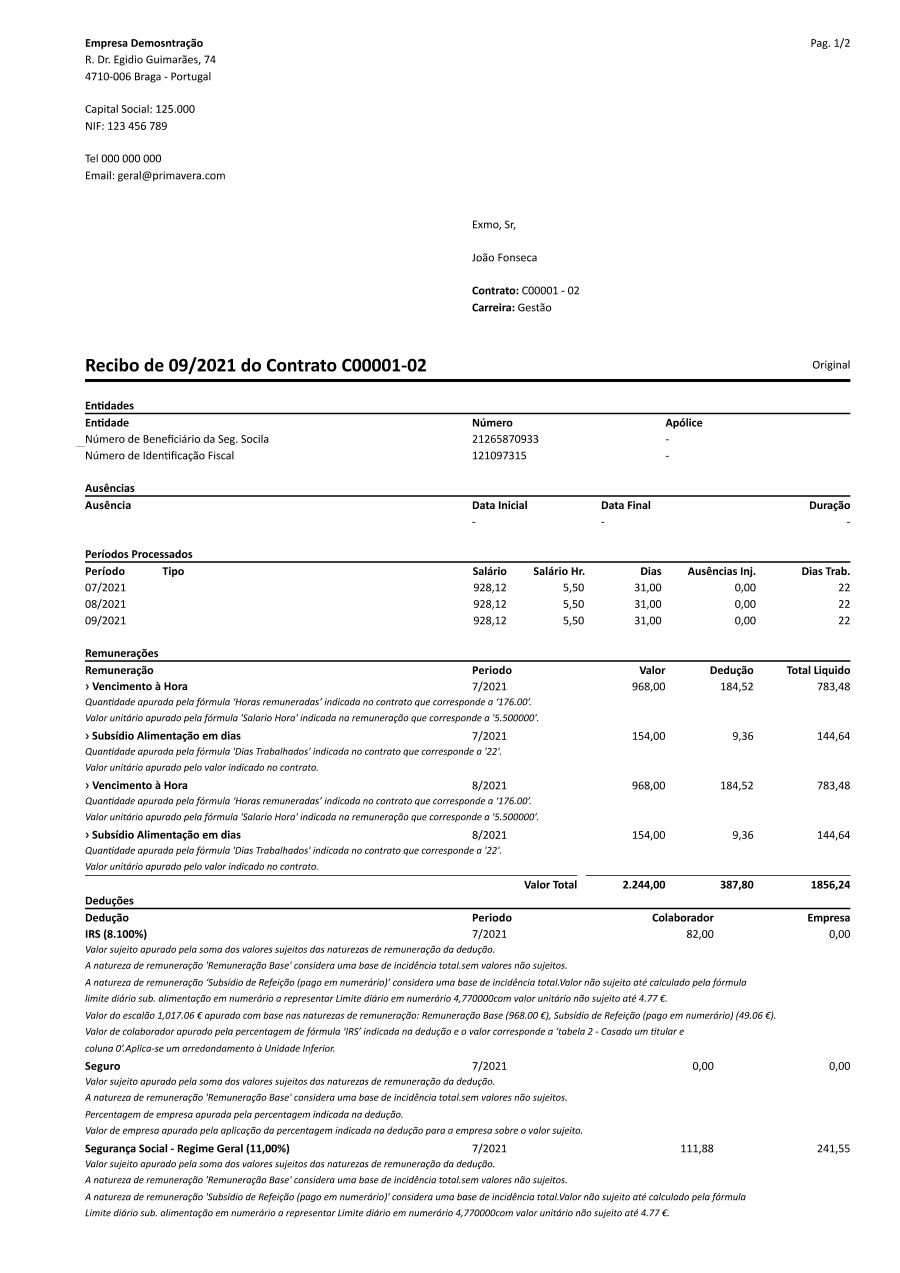
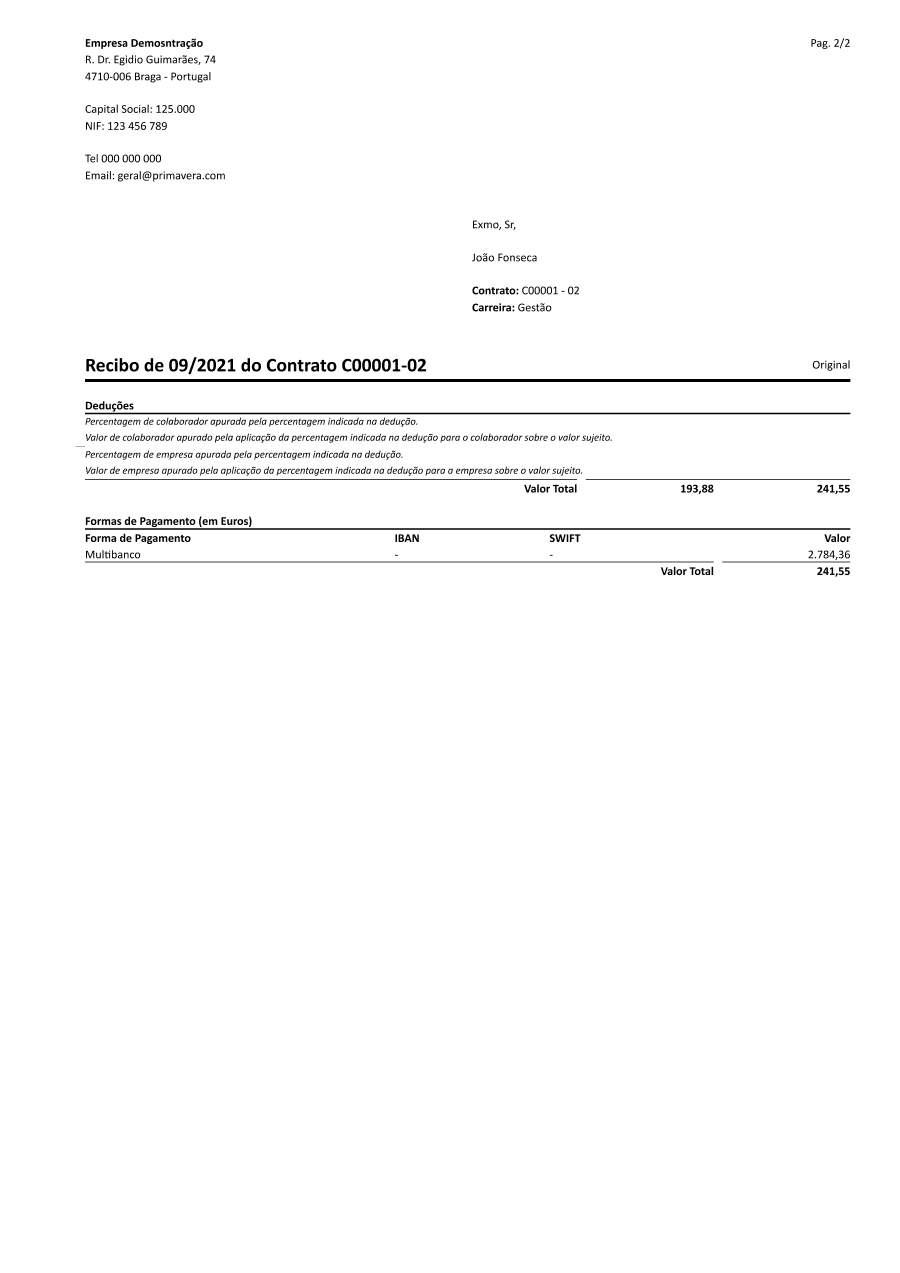
Reports are documents such as invoices, trial balances and similar outputs generated across Cegid products. To ensure consistency across the whole Cegid group, these documents follow a dedicated color scale and typographic system, optimized for print, since these reports are typically printed rather than viewed on screen.
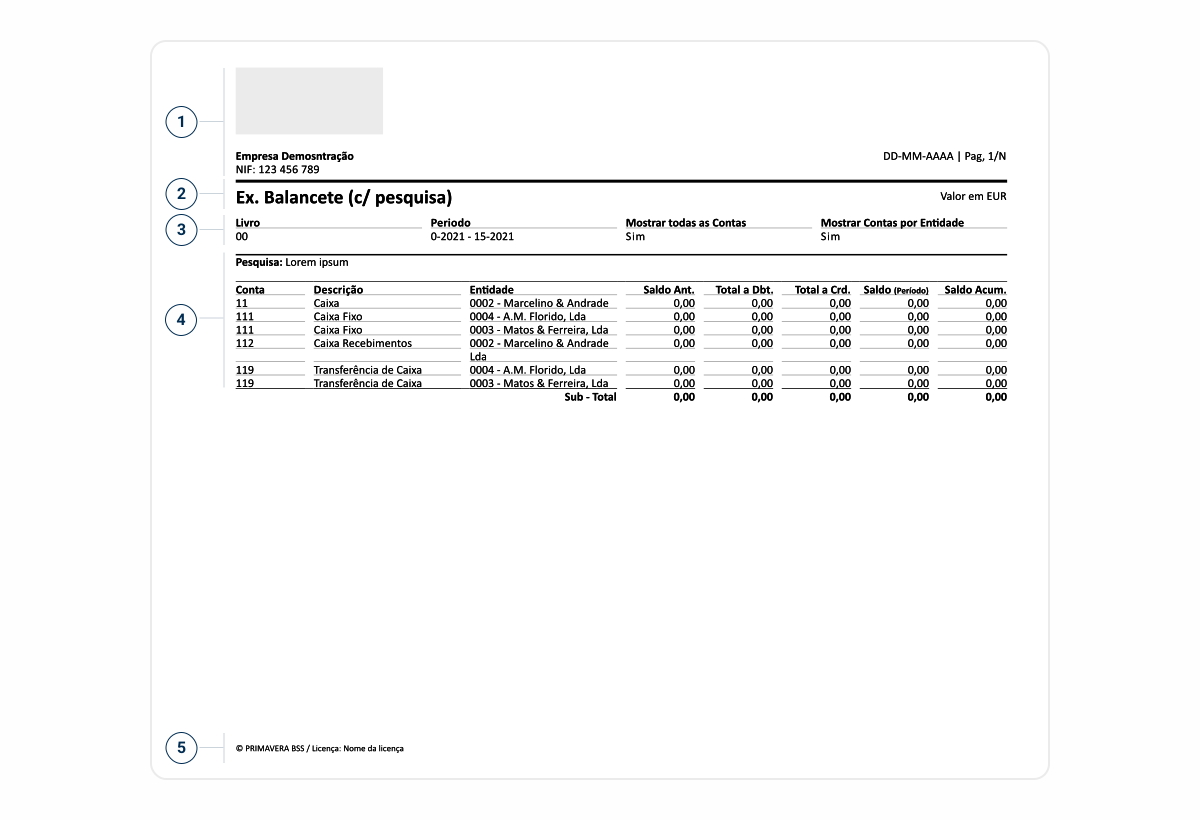
- 1: Header – identification information, which may include: logo, document number, date, customer information;
- 2: Title – Document Title;
- 3: Filters – A section that displays the filters applied to the product or the parameters of interest for the document;
- 4: Grid – Detailed lists within the document that may include: quantity, units, prices, etc. They may also include subtotals and totals; shipping addresses, delivery addresses, etc;
- 5: Footer – Area where the document’s licensing information appears.
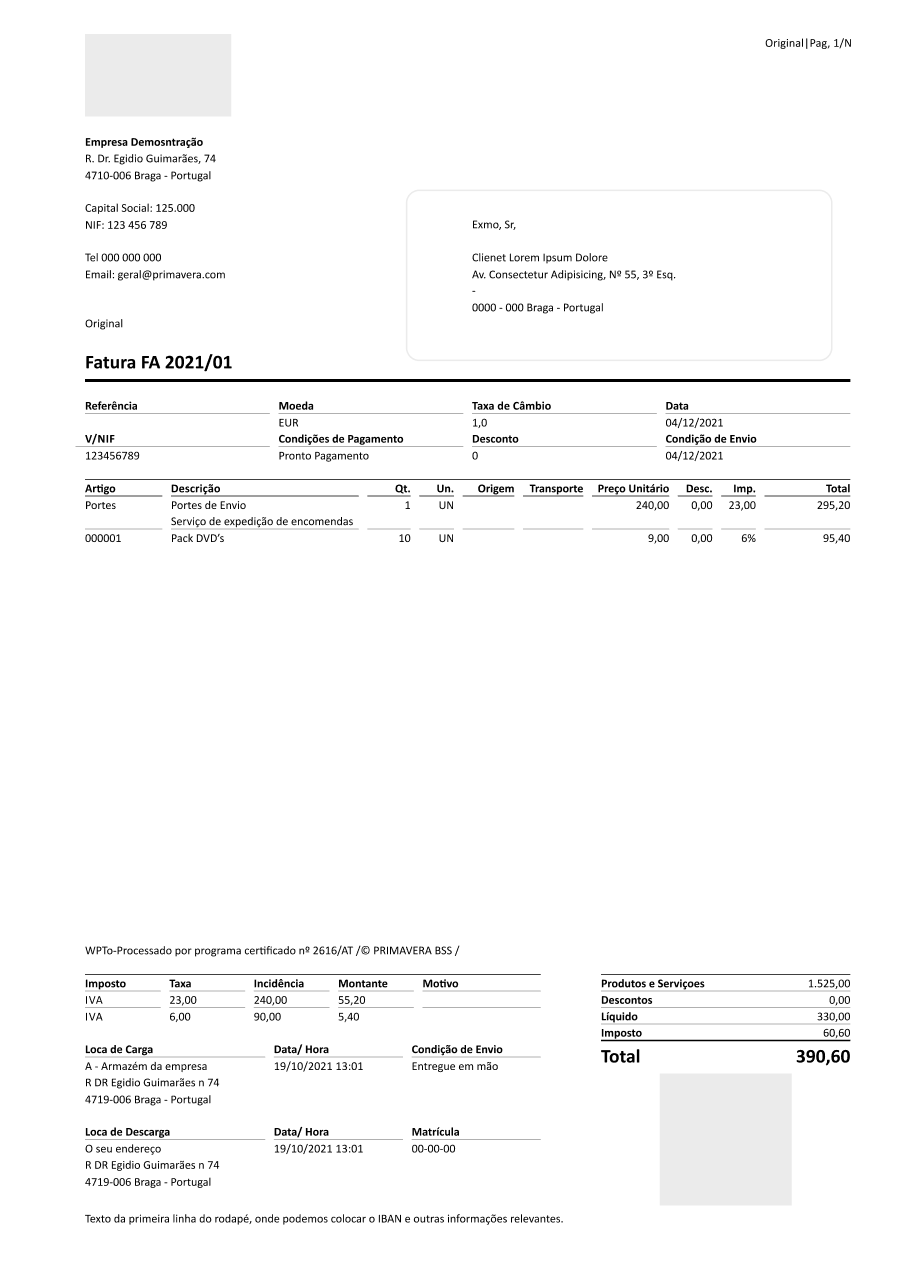
Used for:
Printed Documents
Reports are exclusively related to printed documents or the preview of those documents within the product.
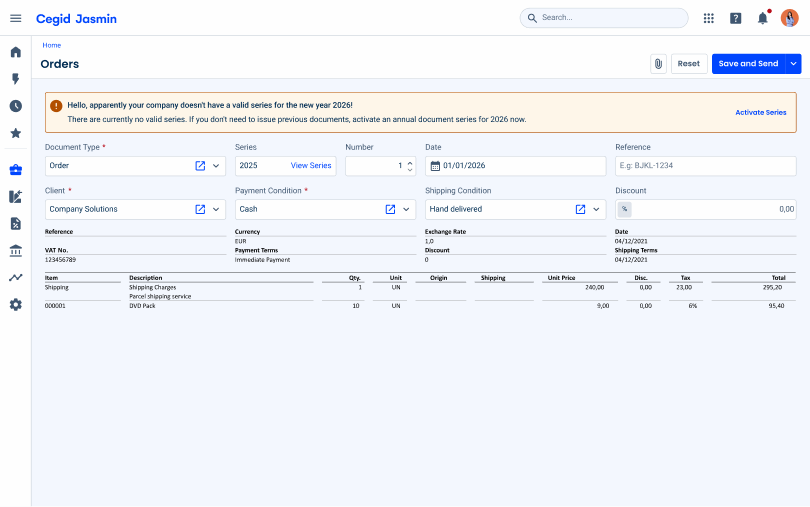
Don’t use for:
Product Application
Reports aren’t meant to be applied directly within the product, e.g. in lists.
What’s New?
- Added Base Template;

Download the complete guidelines in PDF, including color scale, typography and usage examples for print ready reports.
Typography
Styles used to create different hierarchy levels within the typography system.
Font sizes and weight
Four sizes are used — 6pt, 7pt, 8pt and 13pt — each available in Regular and Bold. This combination of size and weight builds the visual hierarchy across the document.
| Size | Usage |
| 13pt | Title of Document |
| 8pt | List Elements |
| 7pt | Secondary Texts |
| 6pt | Footer Elements |
Case
Lowercase is the default. Uppercase is used only as a hierarchy tool, applied selectively to top level elements rather than as a general text style.
Highlighting key information
Weight, size and color are combined to emphasize the most important information, guiding the reader to what matters first.
Different Types of Reports
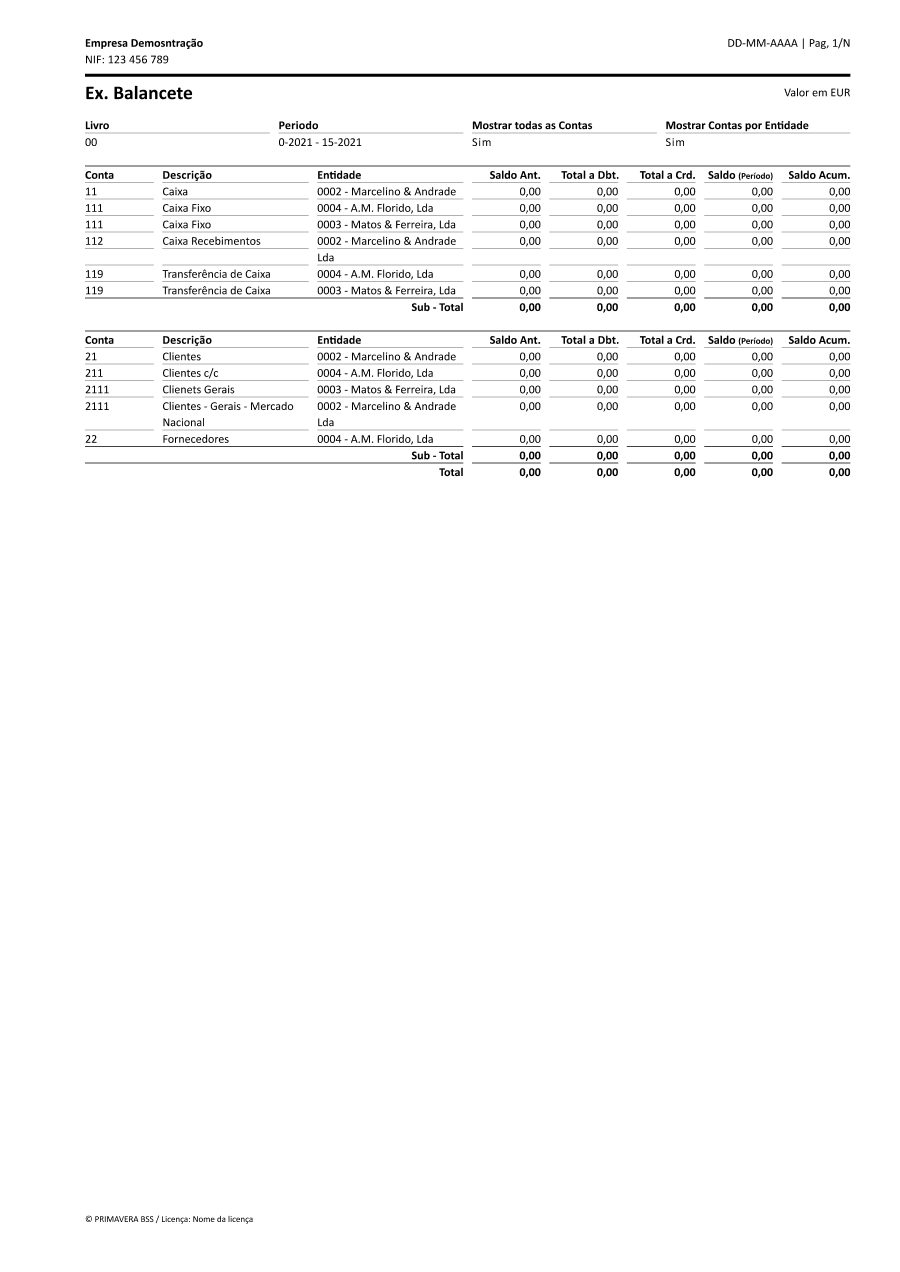
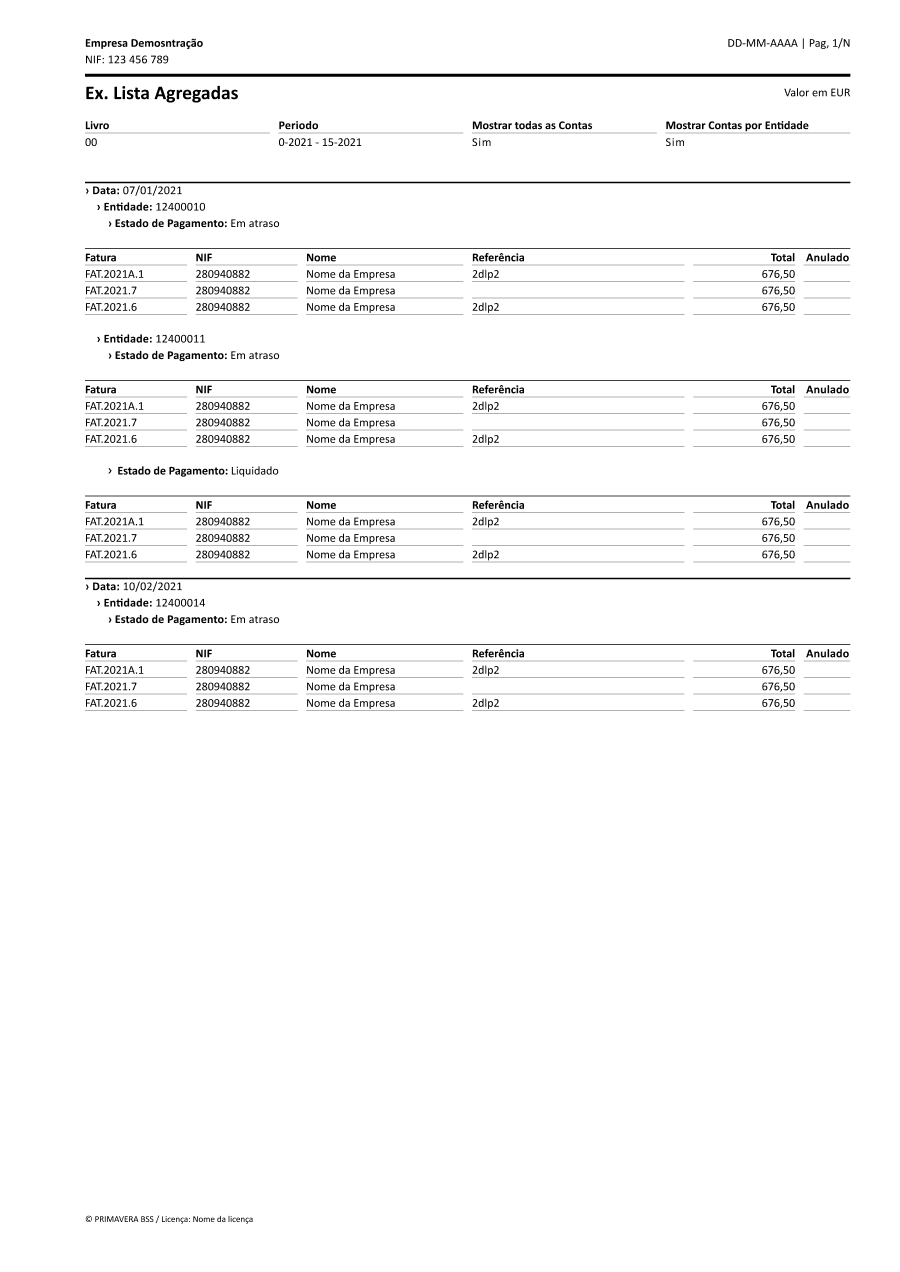
Lists
Structured tabular reports used to display large sets of records, such as account statements or transaction listings, organized by columns for quick scanning and comparison.
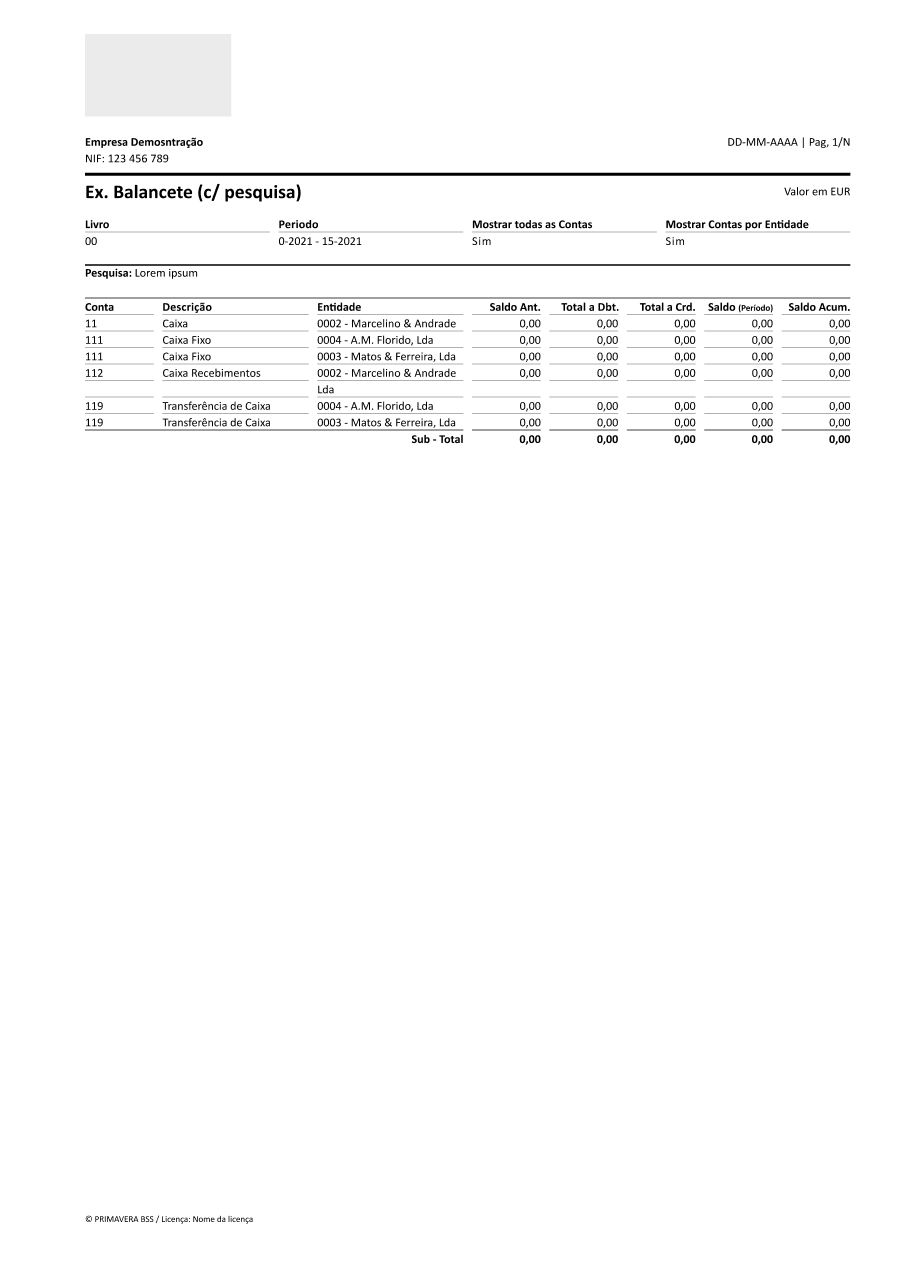
Legal documents
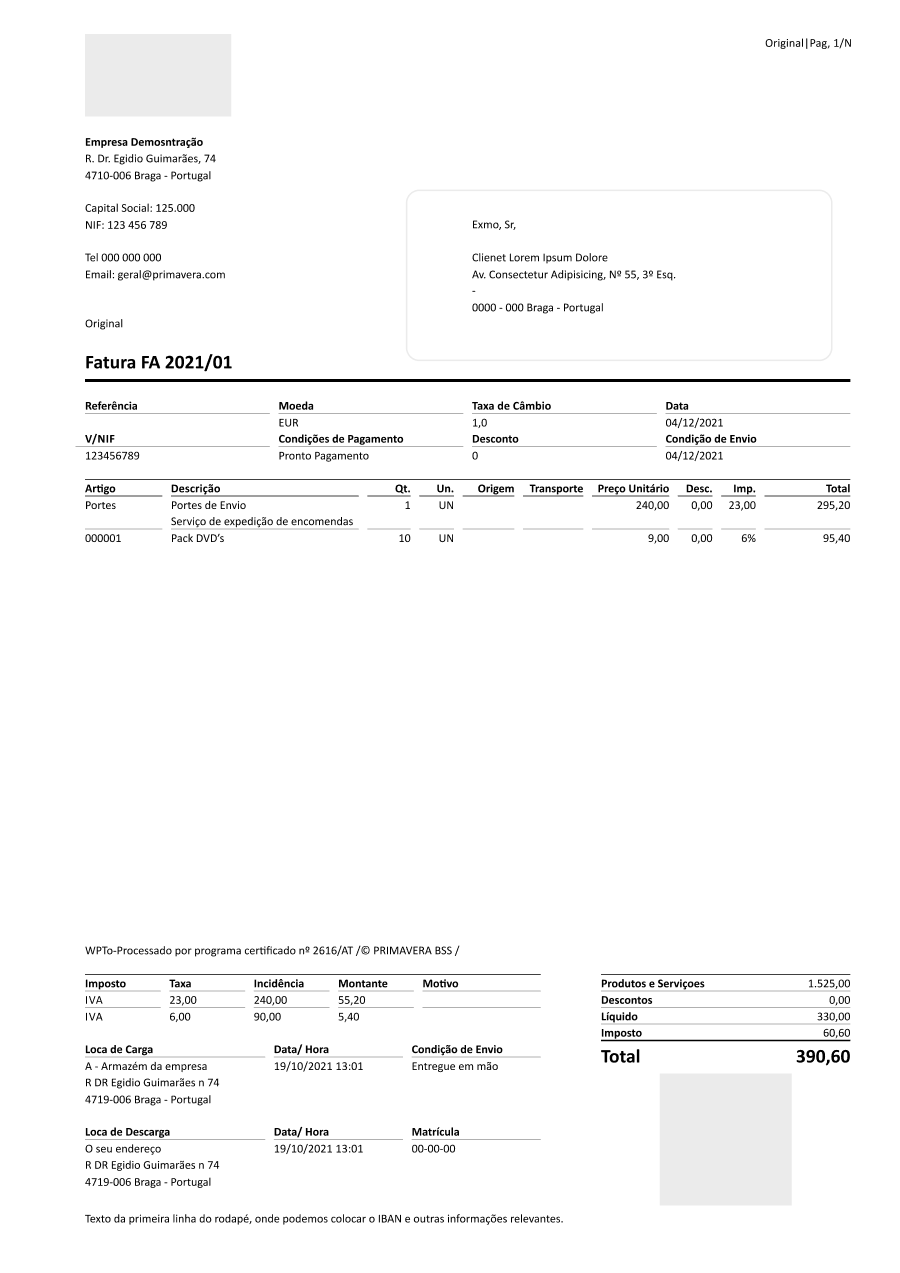
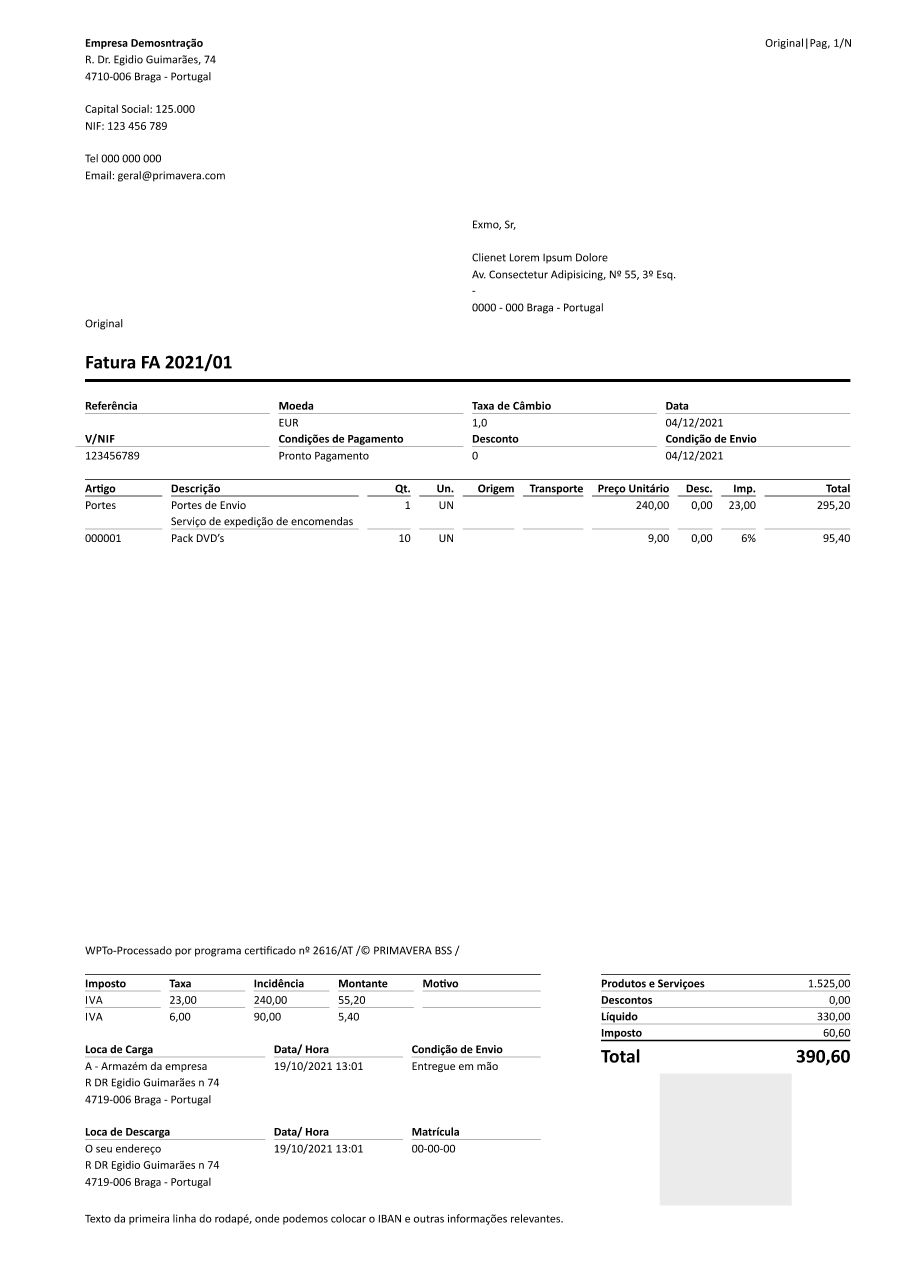
Formal documents with legal or fiscal value, such as invoices and trial balances, that must follow strict formatting and compliance requirements.
Others
Additional report types that don’t fit the categories above, such as receipts or contracts, typically shorter and more transactional in nature.
Case Studies
-

Chips, Status Indicators & Badges: Look Similar, Mean Different
Chips, Status Indicators and Badges are small components, but they carry a lot of meaning. They are often made of the same ingredients: a short label, a coloured background and rounded corners. This can make them look…
-

5 patterns that separate a good dashboard from a memorable one
We’ve figured out why some dashboards tell you right away what to do—and others…
-

Time Was Never the Point: The Truth About Task Board UX
Findings of a study into everyday work-management tools. An interface that looked simply outdated…