
Chips, Status Indicators and Badges are small components, but they carry a lot of meaning. They are often made of the same ingredients: a short label, a coloured background and rounded corners. This can make them look interchangeable when designing or implementing an interface. They are not. Choosing between them should not be based on how the component looks, but on what the information means.
Imagine an invoice with the following information:
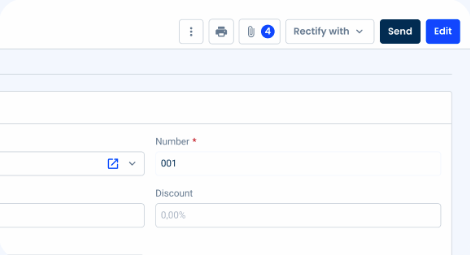
NIF: 226446530 · Validated · 4
Although all four values could potentially be displayed with a small visual element, they communicate very different things.
- NIF: 226446530 describes the invoice context → Chip
- Validated describes its current state → Status Indicator
- 4 could indicate the number of related items → Badge
The component is not decoration. It gives the information meaning.

First, ask one question
Before choosing a component, ask: What is this information teeling the user?
There are three common answers:
- Is It discribing something? → Use a Chip
- Is it telling me what state something is in? → Use a Status Indicator
- Is it highlighting a count or value? → Use a badge
This simple distinction prevents most of the common mistakes.
When to use a Chip
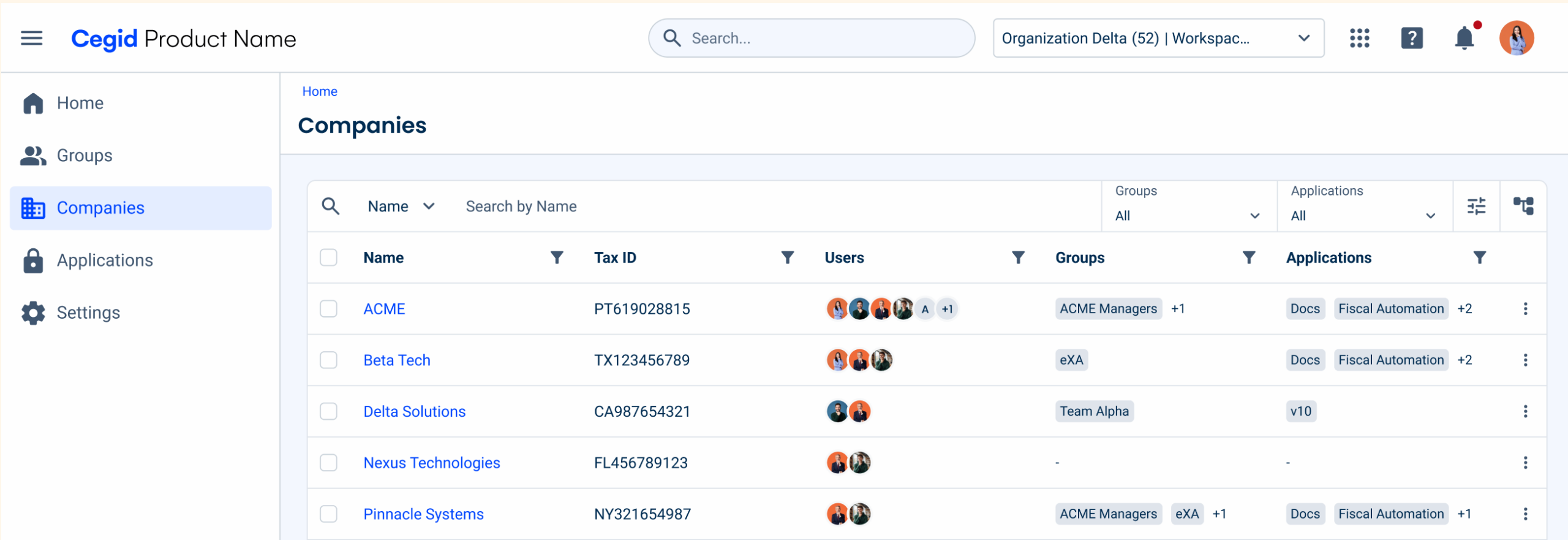
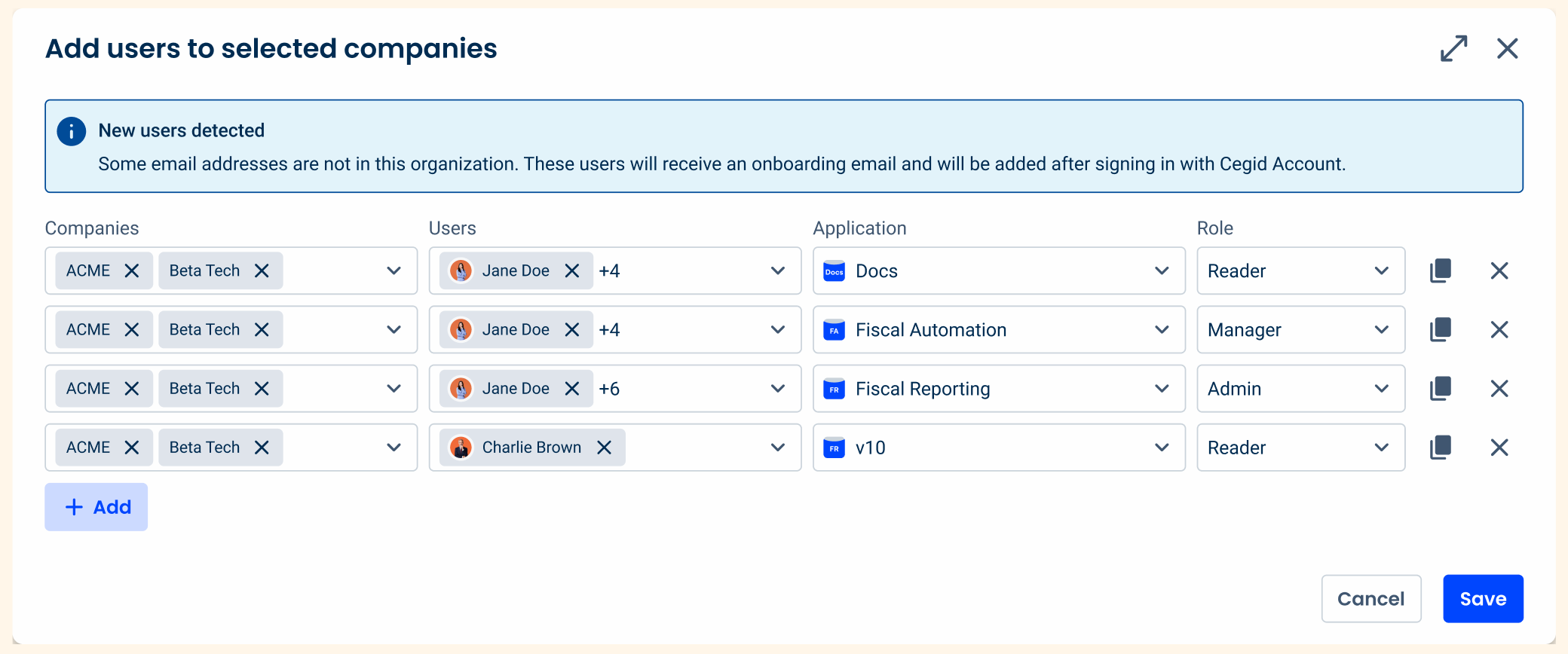
Chips are used to represent specific pieces of information or categories, particularly when that information needs to be selected, removed or used as a filter. They provide a compact way of displaying contextual information without taking up too much space.
Some clear examples:
- Data grid with filters
- When a user selects several values in a Select Box
- Text Fields where an inserted value
But Chips are not always interactive. The Informative variation can be used to provide contextual information, for example to identify a category or piece of information within a Card.
A Chip is a good choice when the information answers questions such as:
- What category does this belong to?
- What has the user selected?
- Which filters are currently applied?
When to use a Status Indicator
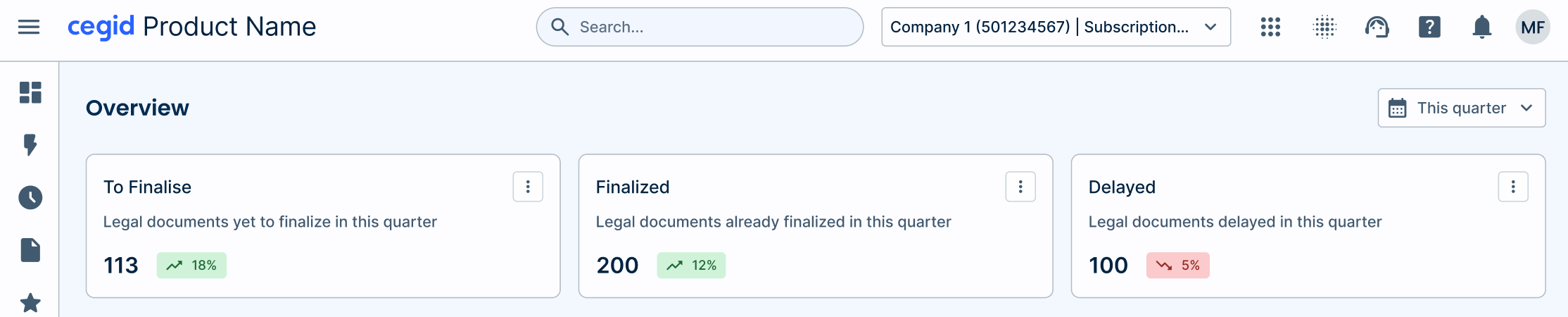
A Status Indicator helps users understand the current condition of something. It answers a simple question: “What state is this in right now?” It is useful when the system needs to communicate a defined condition, such as whether an invoice is Pending, an order is Approved, a document is Draft, or a process is Synchronizing.
Unlike a Chip, a Status Indicator is informative, not interactive. The user is not expected to click it, remove it, or use it to make a selection. Its purpose is to make the current state visible and easy to understand.
For example:
- Invoice → Pending
- Document → Draft
- Payment → Rejected
Think Status Indicator when the information answers:
- What condition is this in?
- What is happening with this?
- What is its current state?
If the answer is something like Pending, Approved, Active, Draft, or Rejected, you are probably looking at a Status Indicator.


When to use a Badge
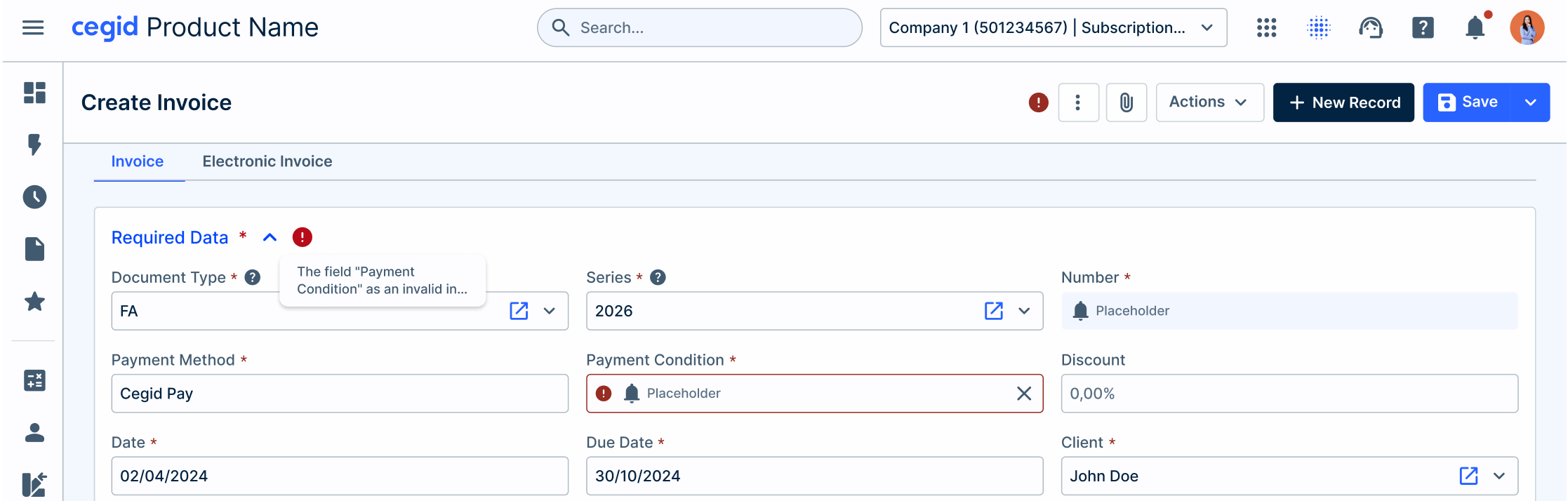
Badges have a slightly different role. They are used to highlight supplementary information and increase its visibility. One of their most common uses is to communicate a count, such as unread notifications, messages or pending approvals.
Some clear examples:
- Tabs
- Notifications
- Buttons
- Dynamic content
Think Badge when the information answers:
- How many are there?
- Is there something new?
- Has something been applied that the user should notice?
The grey area
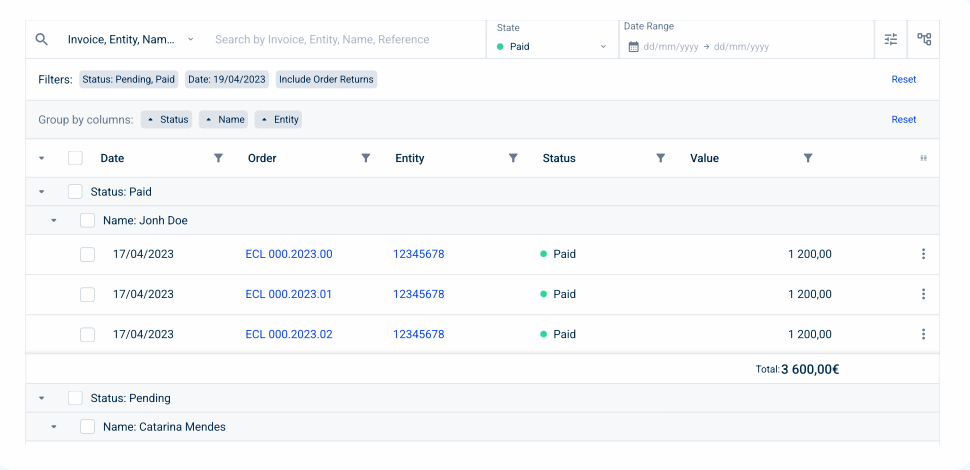
Not every decision is obvious. Consider the word: Paid is it a Chip or a Status Indicator? The answer depends on what Active means in that particular context.
- If it represents the current state of a customer account: Paid → Status Indicator
- If it represents a value selected by the user as part of a filtering or categorisation interaction, it may be: Paid → Chip
The same label can therefore use different components depending on its role. This is why component selection should never be based only on the text, colour or visual treatment. Context determines meaning.
A quick way to choose
When deciding which component to use, start with the meaning of the information:
| If the information… | Use |
| Represents a category or contextual information | Chip |
| Represents a selected value | Chip |
| Represents an applied filter | Chip |
| Communicates a system-defined condition | Status Indicator |
| Communicates the current state of an entity | Status Indicator |
| Highlights a count or notification | Badge |
| Indicates that something has been applied | Badge |
| Does the user actually benefit from the visual treatment? | If not, don’t add one. |
Or, if you need an even quicker rule:
- Chip → What has been selected or categorised?
- Status Indicator → What condition is it in?
- Badge → What needs my attention?