
Introduction
Modals and Flyouts are often referred as overlays, these two components are meant to be used in different scenarios and display different types of content. They differ at complexity, status, regularity and experience hierarchy.
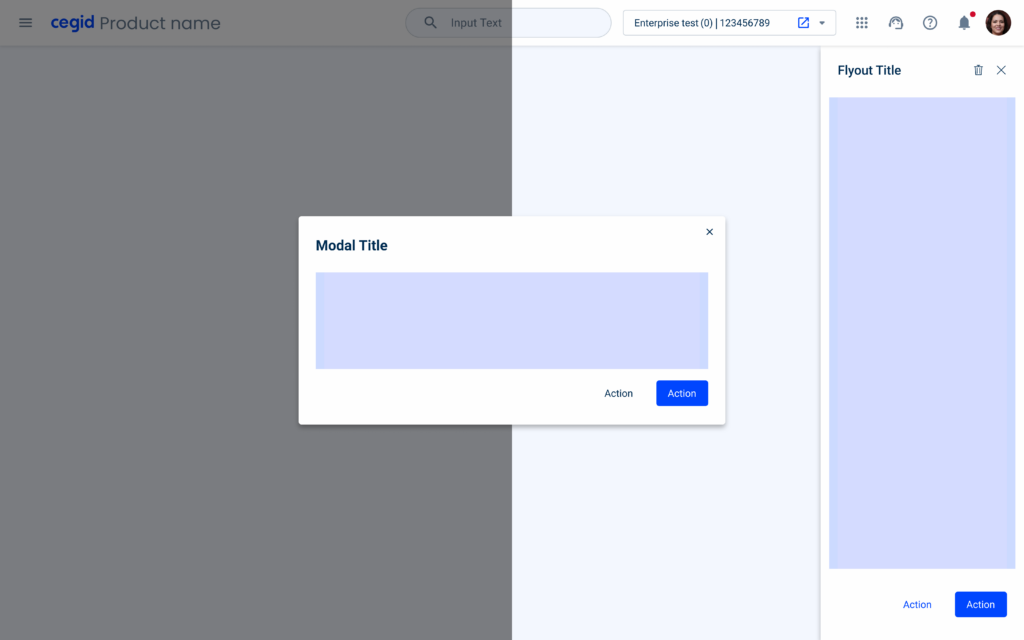
When to use a Flyout
Flyouts are often used as a display for complementary information or to assist in accomplishing a task. These tend to be more complex, and to follow the user along the task flow.
Complexity and Message Status
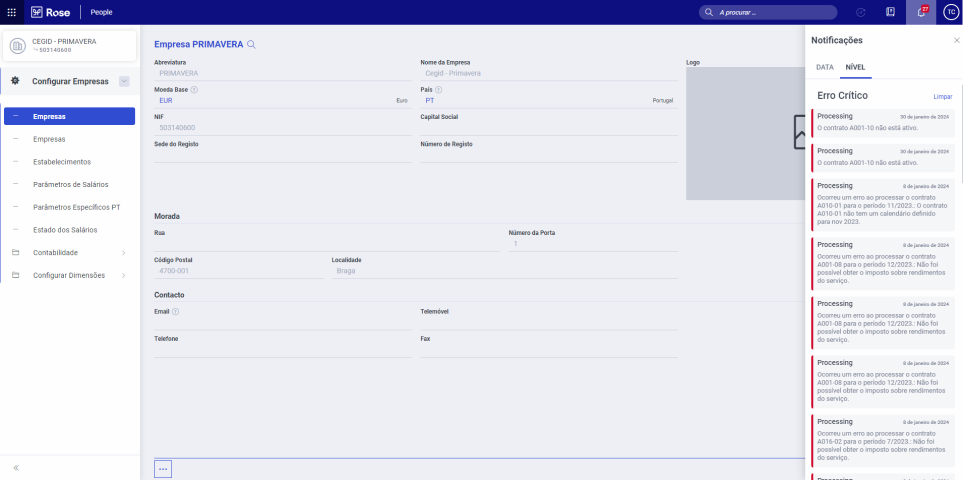
Typically flyouts are components where more complex content is awaited, as the space that is used in the screen.
As an example, the notifications are shown in a flyout as of the great amount of notifications that can be received in the product.
Regularity and Experience Hierarchy
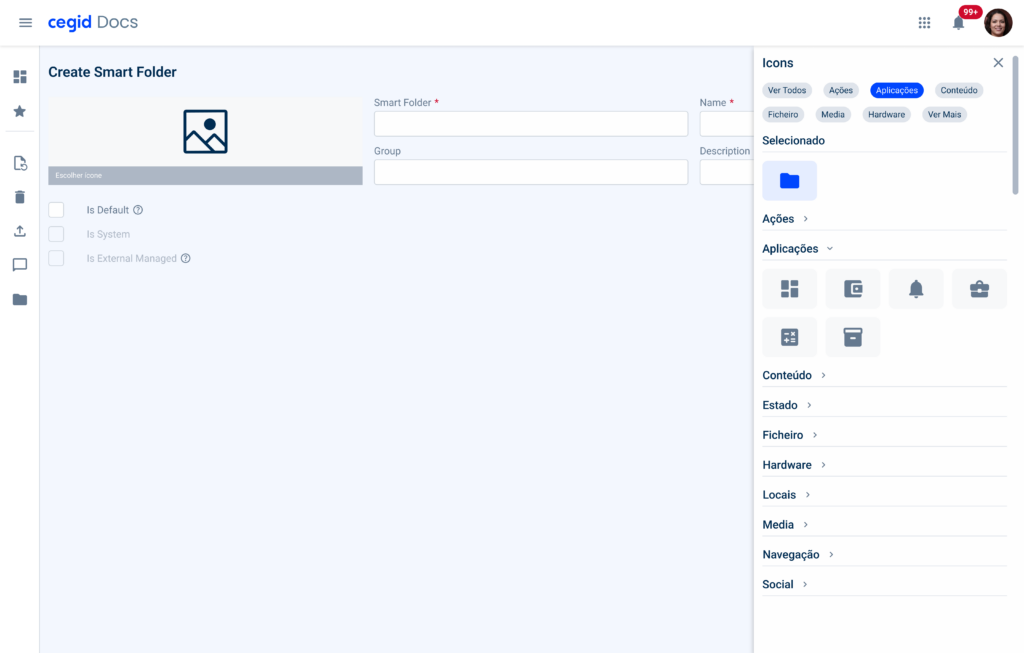
As anteriorly said, flyouts are supposed to be assistants of the actual viewport, providing additional actions or information that can help the user accomplish the current task.
Flyouts tend to be more recurrently used compared to modals as it natural hierarchy inside the product and due the fact that they don’t block the user progression in their flow.

When to use a Modal
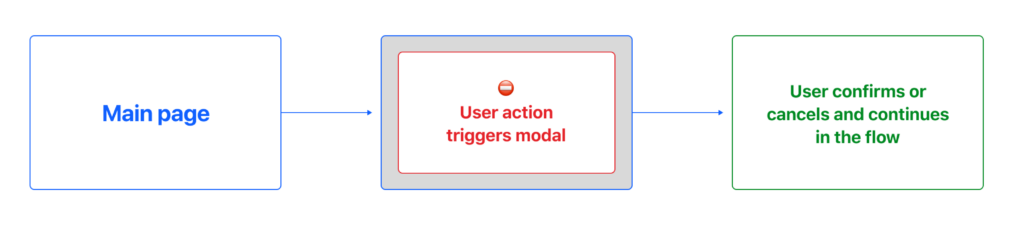
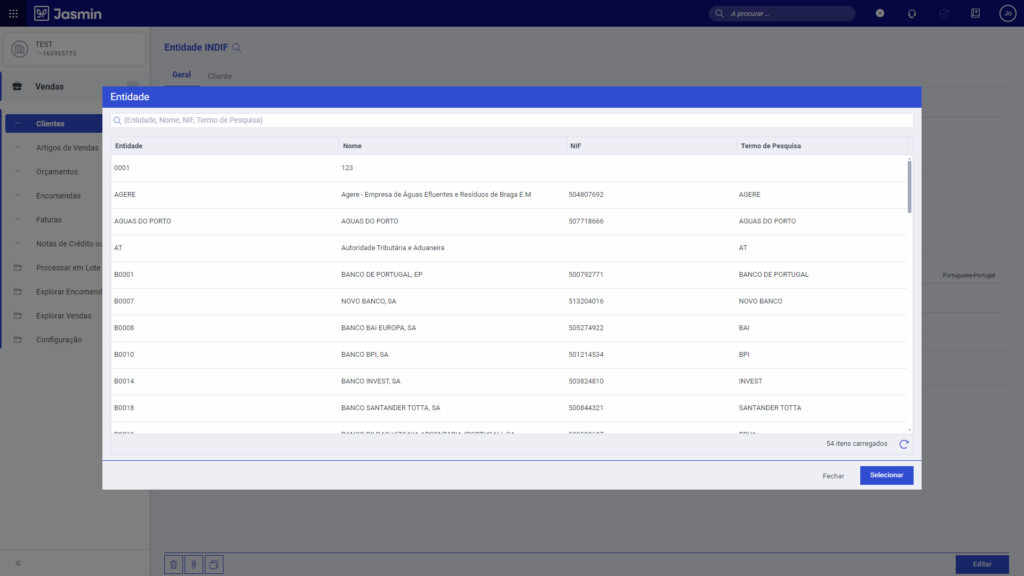
Modals are commonly used when immediate attention is required from the user such as confirming destructive actions or for non-frequent tasks such as lists for quick access.
Complexity and Message Status
Typically modals are awaited to be simple and with a quickly interaction, as they are designed to be quickly answered by adding a shadow in the viewport when it’s triggered.
Ideally they are used for feedback or status messaging, such as confirmation for destructive actions or warning the users.

Regularity and Experience Hierarchy
As said before, modals are awaited to be quickly answered, as they stop the flow of what the user is doing, forcing them to take action or make a decision. By creating a flow that is too complex to complete, it may create frustration on user side.
Modals tend to be shown less often in order to block the user flow the less time possible and proportionate a linear flow for the user.
Examples
Flyout


Modal


References
- Flyout Usage – Helios Design System
- Flyout Usage – Blackbaud
- Best Practices for Modals/Overlays – Medium
- Modal & Nonmodal Dialogs – Nielsen Norman Group