
Empty State
Empty States signify a condition in which there is no content to display or, alternatively, convey a message intended to inform the user.

- Overview
- Specs
- Guidelines
Pattern
This design pattern serves to represent a state within an interface where no content is currently available for display. It is often utilized to indicate to users that there is no data or information to present at the moment.
This deliberate absence of content serves as a visual cue, prompting users to take appropriate actions, such as initiating a search, creating new content, or navigating to alternative sections within the application.
By incorporating the Empty State pattern into the design system, we ensure a consistent and intuitive user experience when faced with these scenarios in various interfaces and applications..
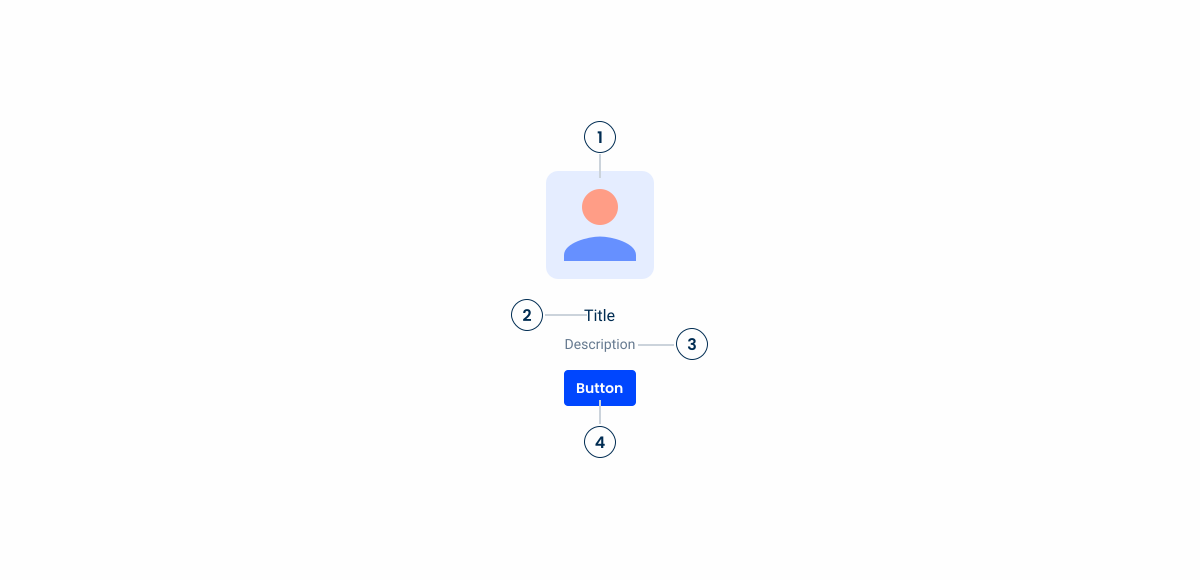
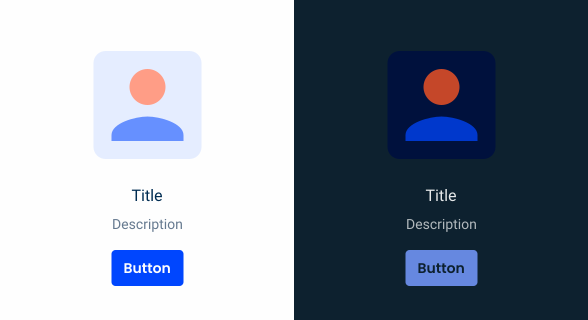
1: Accent Icon
2: Title
3: Description
4: Button
Used for:
No data to show
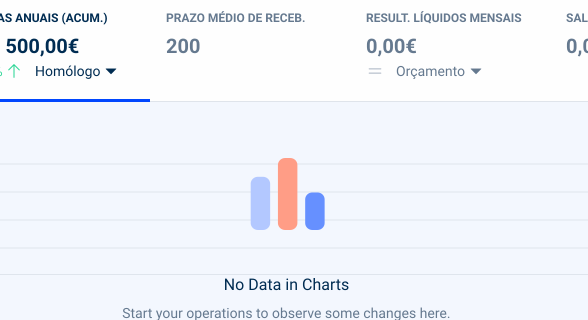
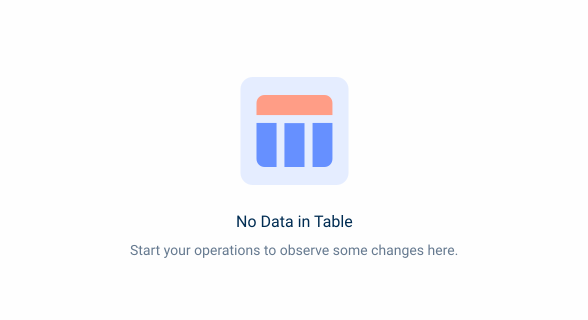
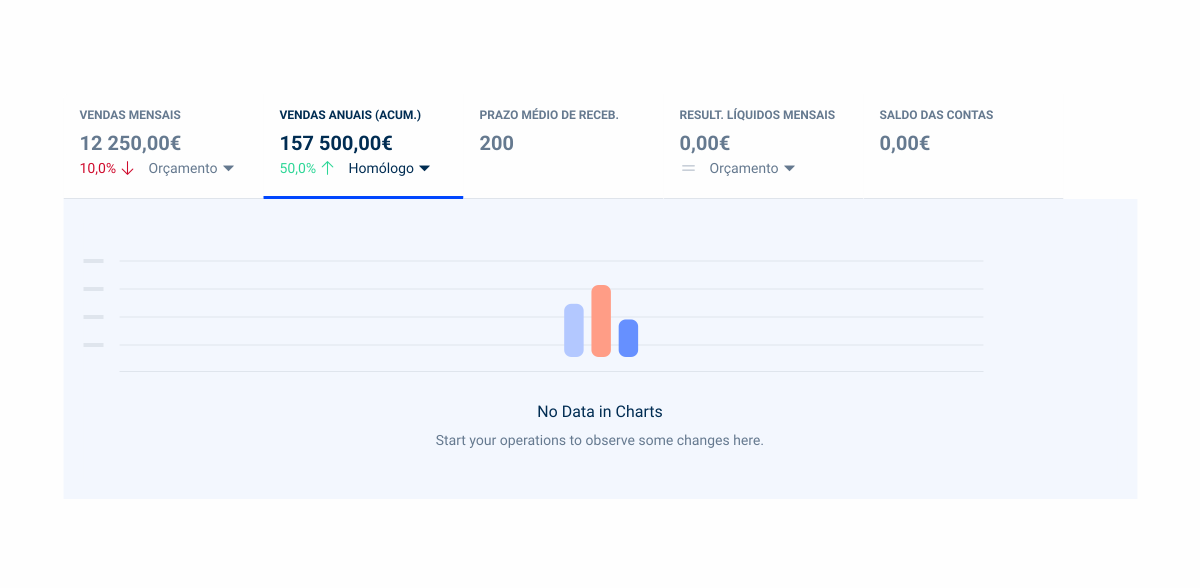
When there is no data to show in a table or chart, an Empty State is used to inform the user. There is also a possibility to show a button;
No permissions
When a user doesn’t have permissions to access a certain file or page/view, an Empty State is displayed where the user can request access;
Areas under maintenance
When some view or area on the application is under maintenance, we must inform the users, using an Empty State;
Loading failed
When for some reason the page/view or modal/flyout has failed to be loaded, an Empty State will be displayed with a button to reload the content;
Don’t use for:
Page error
When the whole page has an error such as a 404 error, another template is used which is the page error pattern;
Contextual irrelevance
If the absence of content doesn’t occur naturally within the user flow or doesn’t serve a meaningful purpose, implementing an Empty State might confuse users rather than helping them;
Unnecessary interruption
In some cases, interrupting the user experience with an Empty State may not be necessary, especially if users are engaged in a task where the absence of content is expected or inconsequential;
Limited screen space
In interfaces with limited screen space, such as mobile applications, prioritizing the display of content over Empty States may be more beneficial to optimize the user experience.

Demo
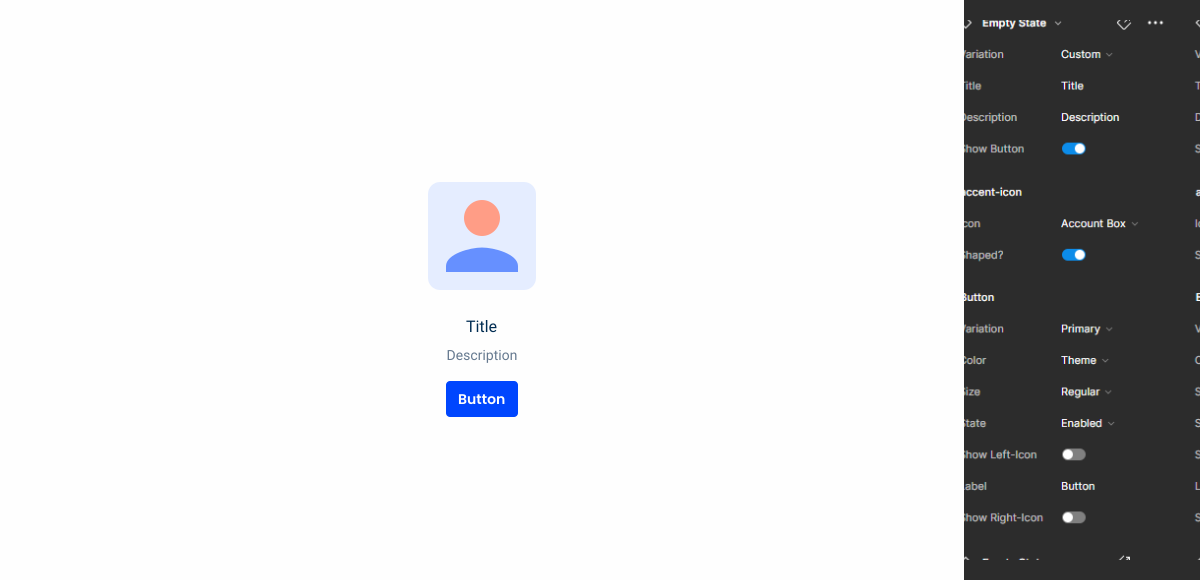
Access the Figma file and inspect the element using Dev Mode.
Last Update

- Updated pictograms to accent icons;
- Updated buttons;
- Updated color variables;
Related
Accent Icons
Variations

With Button
.WithButton {
  title: var(--subtitle-1,--grey-8);
  description: var(--body-2,--grey-7);
  button: var(--primary-theme-regular);
}
Without Button

.WithoutButton {
  title: var(--subtitle-1,--grey-8);
  description: var(--body-2,--grey-7);
}
Size
Unique Size
.UniqueSize {
  accentIcon: 144px;
  gapTop: var(--spacing-8);
  gap: var(--spacing-16);
}
Useful links

Consult our Figma file to access our assets and inspect them in dev mode.

This component is or will be provided by the Polygon framework. See its documentation to learn more.

This element is in line with the guidelines of the CDS (Cegid Design System). Find out more.
Behavior
Alignment
In order to improve readability and comprehension of the written content, the Empty State pattern should always be center aligned. Users can quickly and easily understand the message being conveyed without having to scan across the screen, which could be the case if the content was aligned to the left or right.
Center alignment creates a sense of balance and symmetry in the design as well. This can make the Empty State feel intentional and integrated with the overall design aesthetic, rather than looking like an afterthought.
Dos & Dont’s
If there are multiple Empty States on the same page, use the secondary button instead of the primary button;
The body should not exceed two lines;
Case Studies
-
Designing the Invisible: How to Make Your Interfaces Work Without a Screen
Designing for screen readers means creating the best experience even when there is no screen to see. This article shares essential guidelines to help you create truly accessible and understandable components.
-

Read Mode: Making Content Feel Effortless and Understandable
The reading experience on a screen doesn’t have to be chaotic, cluttered, and distracting.…
-
Designing the Invisible: How to Make Your Interfaces Work Without a Screen
Designing for screen readers means creating the best experience even when there is no…