
Categoria: Components
-

Label
A Label serves as a crucial element for enhancing the clarity and usability of a digital interface.
-

List Item
List Items are used to sort content for users, allowing for straightforward interactions. They are especially useful for vertical navigation and are therefore very common in mobile interfaces.
-

Radio Button
A Radio Button component allows users to select one option from a set of predefined choices, ensuring clear, mutually exclusive selections with immediate feedback.
-

Menu
The Menu is a flexible component that’s designed to fit in various small interfaces and allows the listing of items users can interact with.
-
Numeric
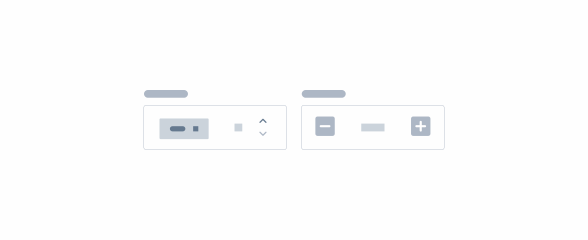
A numeric component is an input field specifically designed for entering numeric values in a user interface.
-

Overflow Menu
An overflow menu is a UI component that houses secondary options or actions.
-
Overflow Menu
An overflow menu is a UI component that houses secondary options or actions.
-
Numeric
A numeric component is an input field specifically designed for entering numeric values in a user interface.
-
Password
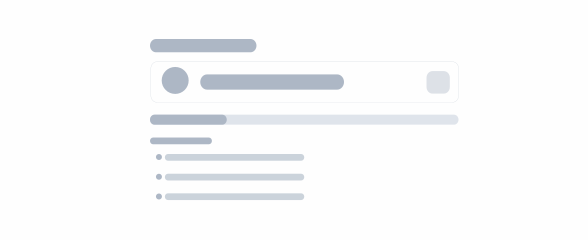
A password component in UX facilitates the creation and input of secure passwords.
-

Progress Bar
Progress Bars provide users with real-time feedback on the status of ongoing operations
-
Text Area
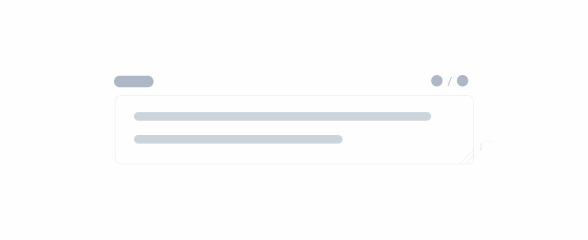
A Text Area is a multi-line input field in UX, allowing users to enter and edit free-form text
-

Time Pickers
Time Pickers assist users in selecting and setting a specific time.