Etiqueta: Desktop
-

Time Pickers
Time Pickers assist users in selecting and setting a specific time.
-
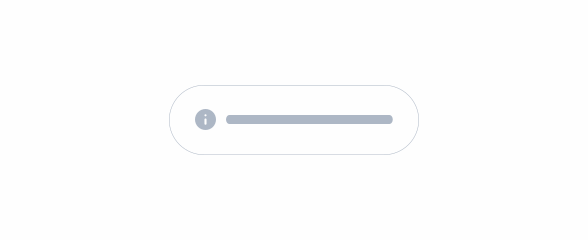
Toast
Quick, small notifications that appear in the top right corner of the page. These notifications can automatically disappear after five seconds, or be dismissed by the user.
-

Tooltip
Tooltips are used to provide additional information about elements or functionalities on a page.
-

Split button
A split button is a button with a main action and related secondary actions contained in a drop-down.
-
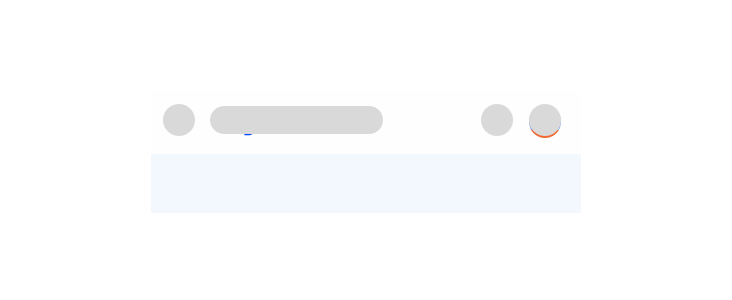
Top Bar
The Top Bar is a top-anchored component that provides context for the screen and facilitates easy navigation through different flows. Users depend on this Top Bar to navigate and orient themselves within your UI, and this pattern highlights the qualities that make a Top Bar consistent, familiar, and user-friendly.
-
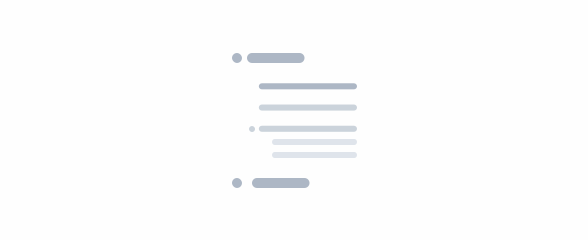
Tree View
A Tree View is a hierarchical structure that visually represents the relationship between levels and sub-levels.
-
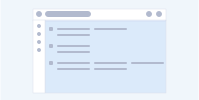
Skeletons
Skeletons serve as visual placeholders that guide user expectations while content is loading, enhancing the perceived responsiveness of the interface.
-
Top Bar
The Top Bar is a top-anchored component that provides context for the screen and facilitates easy navigation through different flows. Users depend on this Top Bar to navigate and orient themselves within your UI, and this pattern highlights the qualities that make a Top Bar consistent, familiar, and user-friendly.
-
Top Bar
The Top Bar is a top-anchored component that provides context for the screen and facilitates easy navigation through different flows. Users depend on this Top Bar to navigate and orient themselves within your UI, and this pattern highlights the qualities that make a Top Bar consistent, familiar, and user-friendly.